Unboxing checklist: 10 things to check on day one
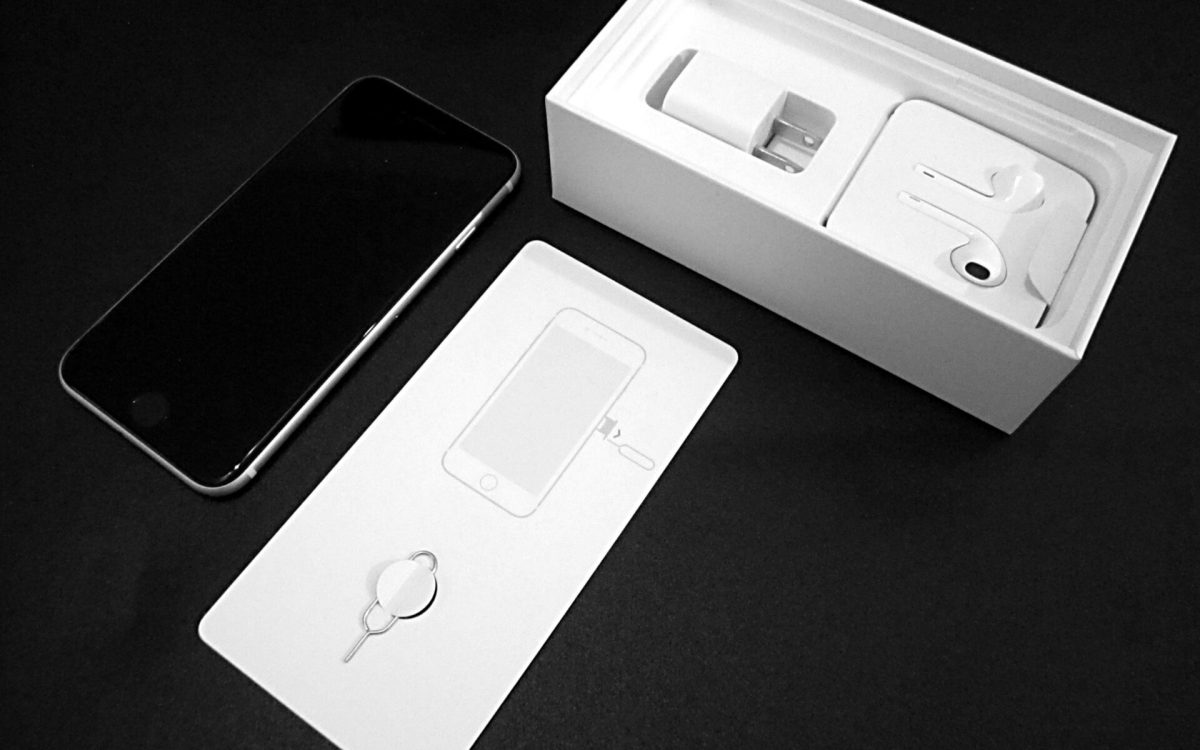
“When you opened it, did you find anything wrong?” was one of the first questions we asked readers on this site back in 2020. It is still the right question. A new phone should be perfect — and the first day is the easiest time to return or exchange it if it isn’t.
The checklist
- Seals and box: the packaging should be sealed and undamaged.
- IMEI: dial
*#06#and confirm the number matches the box. - Screen: show a plain white, then black, image at full brightness and look for dead pixels, tint or uneven brightness. On a foldable, check the crease area too.
- Frame and glass: check for scratches, dents and gaps.
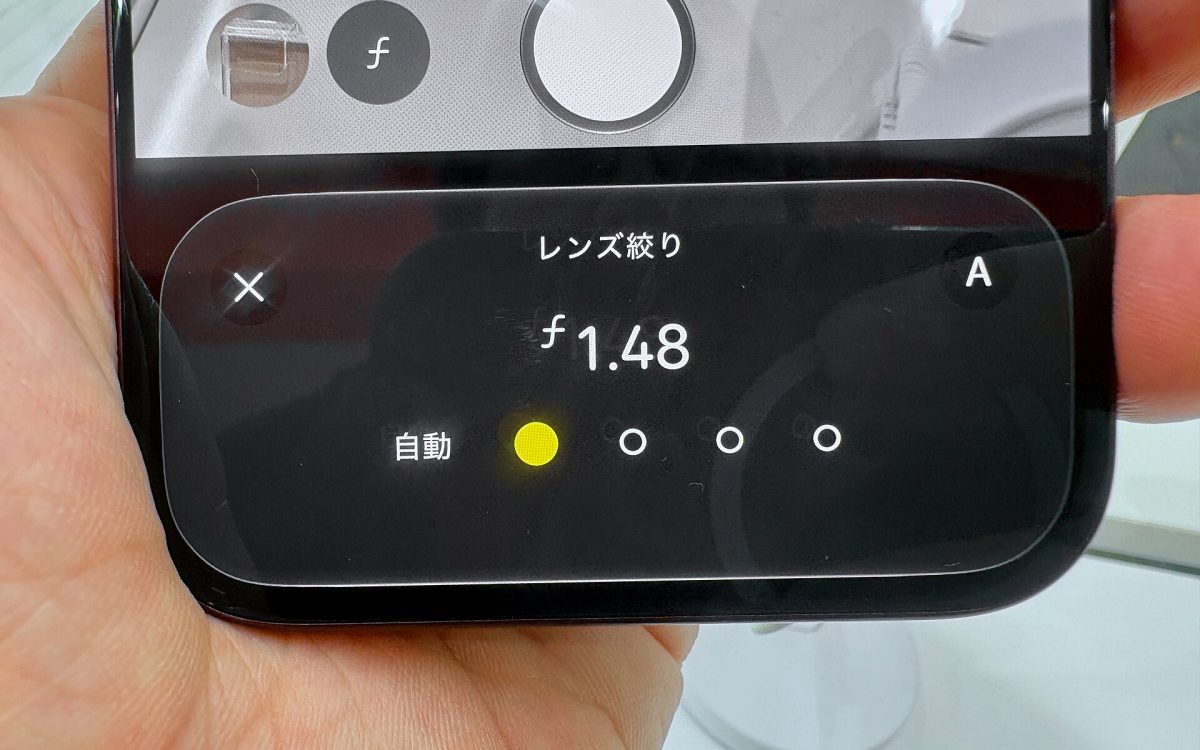
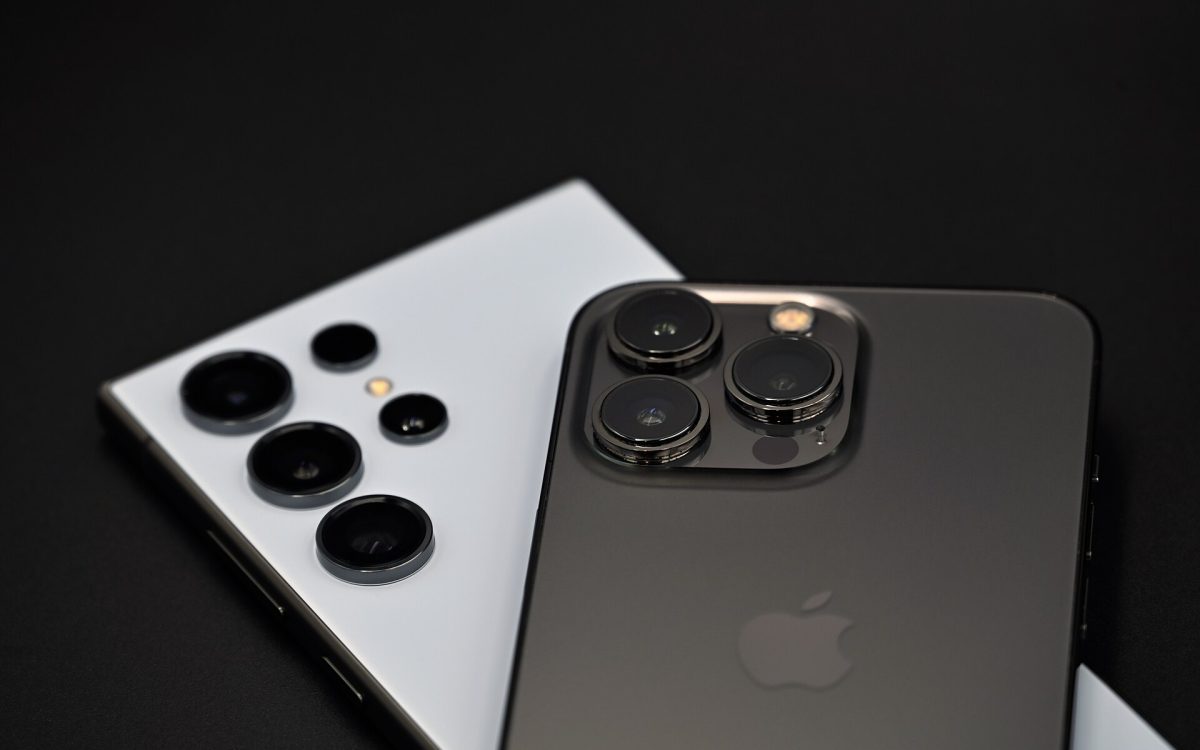
- Cameras: take photos and video with every lens, including the front camera. Look for dust inside the lenses.
- Speakers and microphones: play music, record a voice memo and make a test call.
- Buttons and haptics: every button should click cleanly — including newer controls such as a camera button.
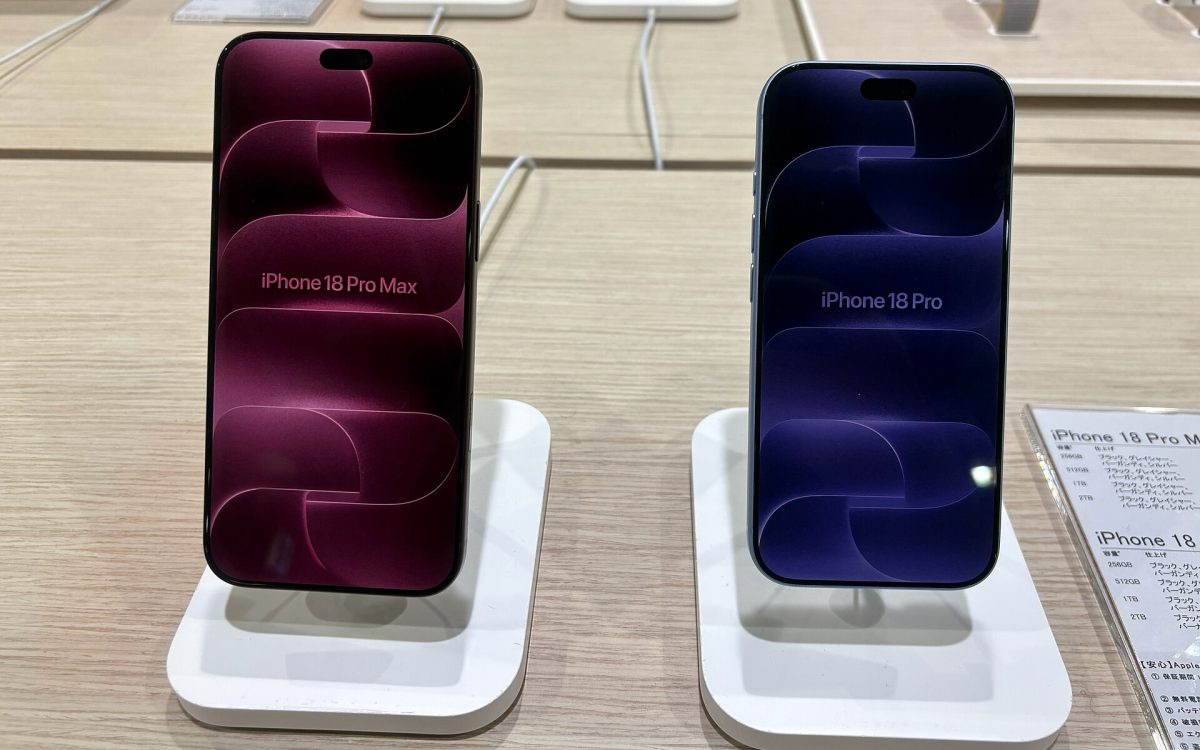
- Charging: try a cable and, if supported, wireless charging. Remember that flagships such as the Galaxy S26 Ultra and the iPhone 18 Pro come with a USB-C cable but no power adapter.
- Biometrics and connectivity: set up face or fingerprint unlock, and test Wi-Fi, Bluetooth, mobile data, eSIM activation and GPS.
- Battery: on phones that show it, battery health should read 100% and the cycle count should be close to zero.
Update before you move in
New phones often need a software update on day one — iOS 27 or Android 17 on this year’s models. Install it before you restore your data; it fixes launch bugs and makes transfers smoother.
If something is wrong
Stop setting up, take photos or a short video of the problem and contact the seller straight away. Return windows are often only 14–30 days, and a day-one fault is much easier to resolve than one reported weeks later.
Cover photo (cropped): Khaosaming, CC BY-SA 4.0, via Wikimedia Commons