Selling your old phone: wipe it properly and get the best price
Your old phone still has value — sometimes a lot, especially now that new phones cost more. But before it leaves your hands, make sure none of your data goes with it.
Step 1: back up everything
Use iCloud or a computer backup for iPhone, and Google’s backup or your manufacturer’s tool (such as Samsung Smart Switch) for Android. Check that photos, messages, passkeys and authenticator apps are safely on your new device first.
Step 2: sign out of your accounts
- iPhone: turn off Find My and sign out of your Apple Account. If you skip this, Activation Lock will block the next owner.
- Android: remove your Google account (and Samsung account on Galaxy phones) before resetting, so Factory Reset Protection doesn’t lock the buyer out.
- Unpair smartwatches and earbuds.
Step 3: remove the SIM and eSIM
Take out the physical SIM and any memory card. If you use an eSIM, transfer it to the new phone or ask your carrier to move it before you erase.
Step 4: factory reset
Use the phone’s own “Erase All Content and Settings” or “Factory data reset” option. Modern phones encrypt storage, so a reset makes your data unrecoverable.
Getting the best price
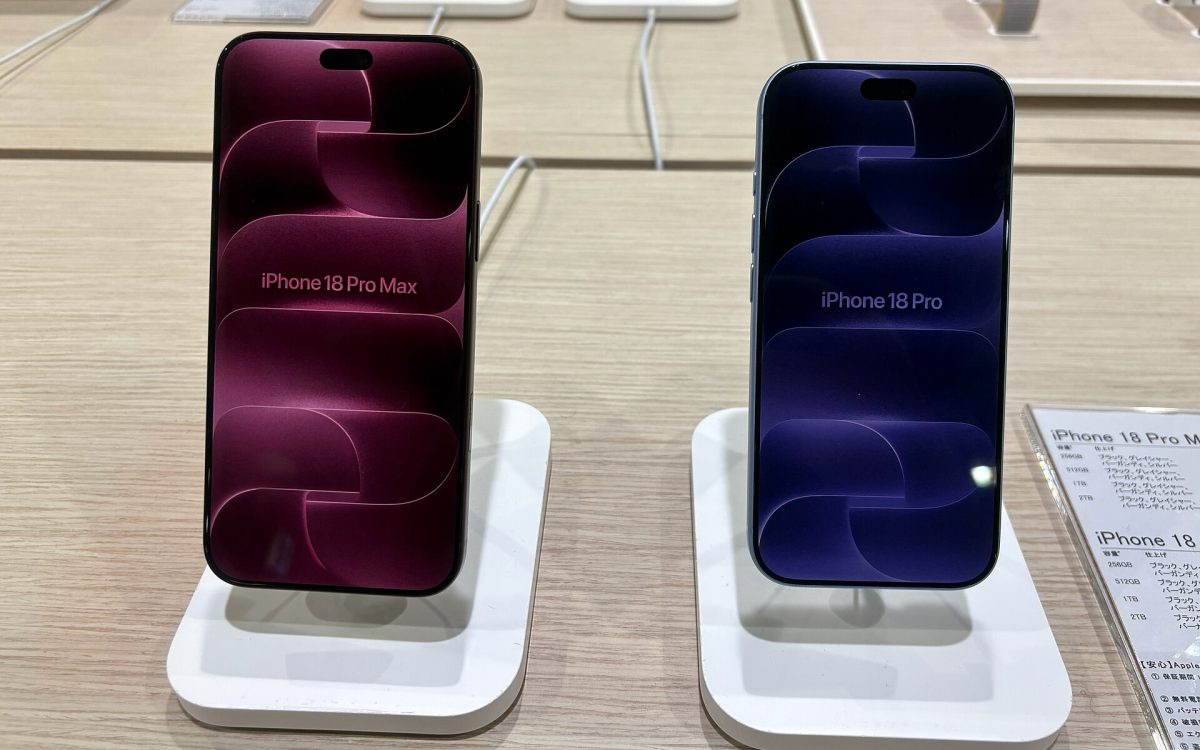
- Trade-in is the easiest option, and launch promotions — like those around the iPhone 18 Pro and Galaxy Z Fold8 — often add a bonus.
- Selling privately usually pays the most. Clean the phone, take bright, honest photos, include the box and share a battery health screenshot.
- Sell early: phones lose value fastest right after their successor launches.
- Long update promises help: a Galaxy or Pixel with years of updates left is easier to sell.
Cover photo (cropped): Kai Hendry, CC BY 2.0, via Wikimedia Commons